A Code Editor is the main instrument of a developer to perform and speed up their code editing task. There may be times in a developer’s life when they have to manage their projects hosted on the cloud or when they don’t have their IDE set up on them and using a random PC. In such scenarios, it’s best to edit those codes online as it gives you the freedom to edit them anytime anywhere using any device.
To perform those code editing tasks there comes the role of online code editors which comes with many great features to ease the task. The best part of using an online ide/code editor is that there is no need to do the setup as it’s instant and easy to open and doesn’t require much of your system’s resources, all you need is a browser and a working internet connection to your device.
There are many online code editors out there among which we have listed some of the best code editors/IDE for one to use:
Best Online Code Editors and IDE
JSFiddle

If you want to test code snippets of JavaScript/CSS/HTML in real-time then JSFiddle is a perfect way to do so with its easy and interactive interface. It also has JavaScript frameworks, such as jQuery, AngularJS, ReactiveJS and D3.
Official Link
CodeSandbox
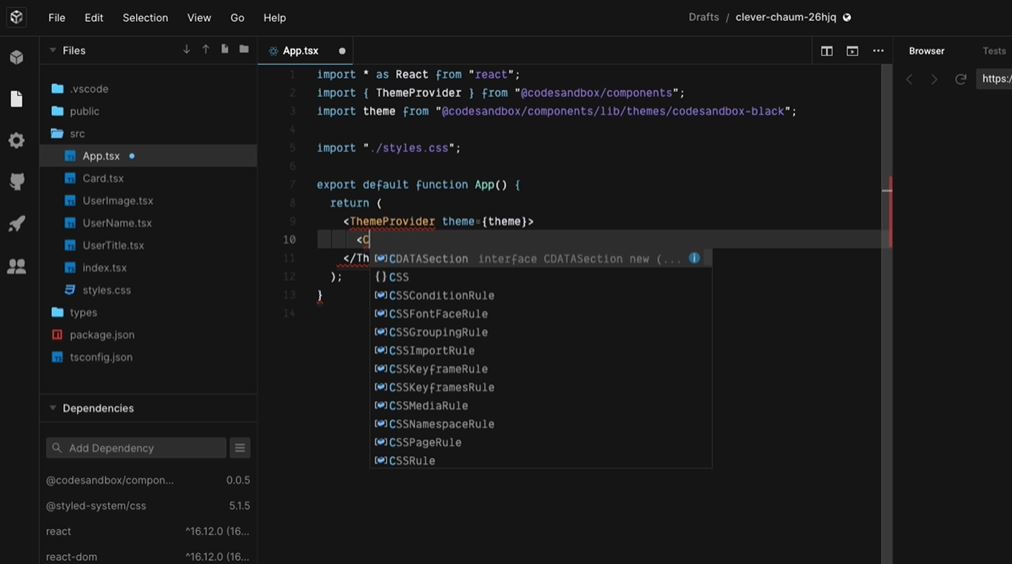
Using a web browser, the user may visit CodeSandbox, which is a web-based development environment for developing web apps. Because there is no setup necessary, it is feasible to begin using the service straight away. CodeSandboxes may be readily shared with teams or coworkers, and the user can establish as many sandboxes as they need to meet your needs. When using the live updates capability, programs are quickly performed, allowing the user to observe the outcomes in the sandbox as they happen.
Official Link
Outpan
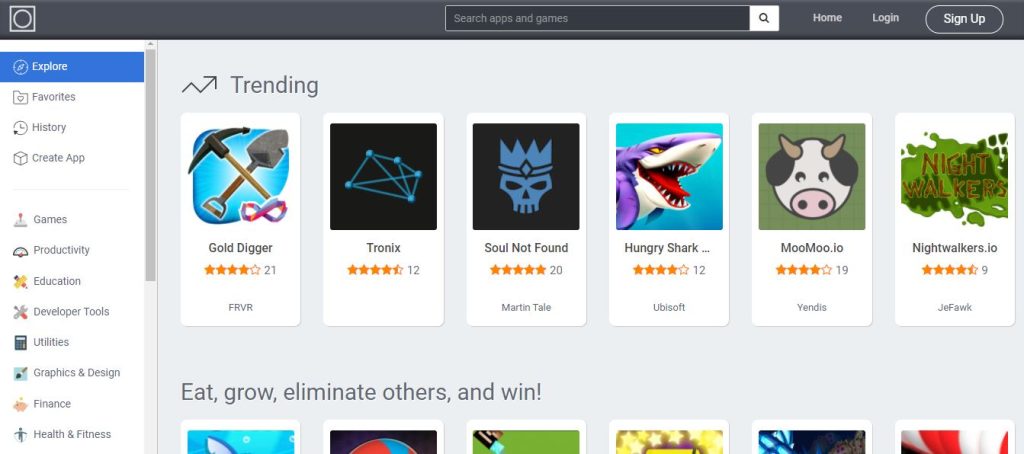
Create and share amazing applications that operate directly in the browser by searching, creating, and sharing them with the help of Outpan. It is the world's leading platform for developing, distributing, and monetizing web-based applications.
Official Link
JS Bin
JS Bin is a web app created to enable JavaScript and CSS developers to test and debug code snippets in a collaborative environment. You can use JS Bin to modify and test JavaScript and HTML (reloading the URL also keeps the state of your code; new tabs don't). Once you're satisfied, save the file and share the URL with a peer for evaluation or assistance. They can then make more modifications and keep them again if necessary.
Official Link
JSitor
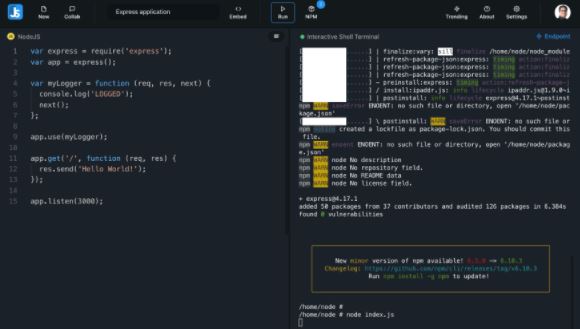
JSitor is a free online tool for authoring, running, and sharing web and NodeJS snippets. It can be used from any computer with an internet connection. It is a non-profitable software that does not include any advertisements and which provides extra editor windows to write code. JSitor makes it easier to write and share NodeJS scripts by facilitating the NodeJS environment and installing NPM modules.
Official Link
ShiftEdit
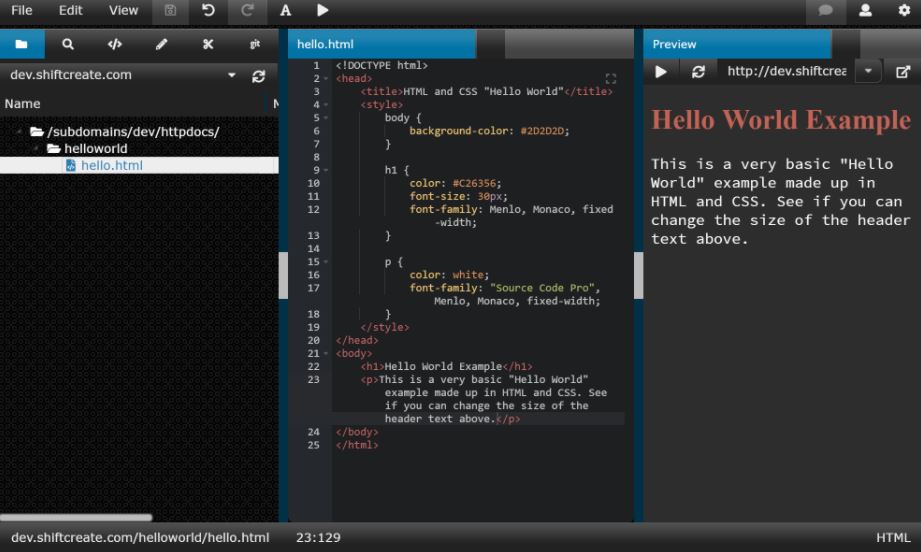
ShiftEdit is an integrated development environment (IDE) that runs on the web. It has syntax highlighting, tabs, and built-in (S)FTP support, among other features. ShiftEdit allows the managing of numerous websites at the same time. All of the sites are saved and will be available to the user the next time they enter into the account.
Official Link
Replit
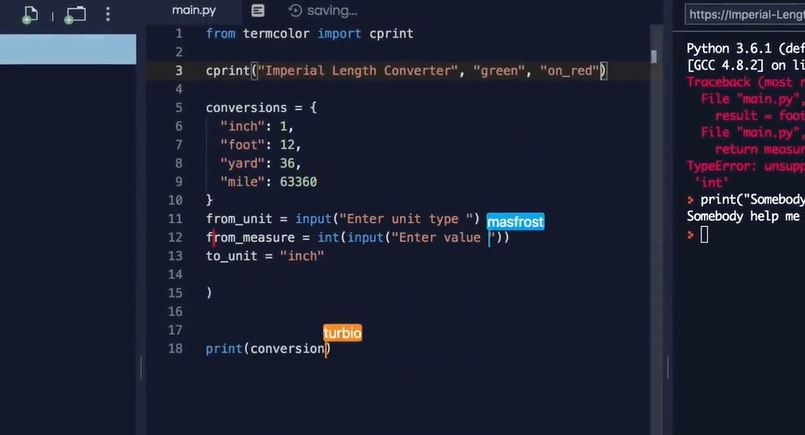
Replit is a cloud-based application development platform aimed to assist enterprises in the creation, deployment, and management of mobile and web apps, APIs, and other applications. Users may build programs across different platforms, operating systems, and devices using a range of programming languages thanks to the integrated development environment (IDE) included in the package.
Official Link
CodePen

CodePen is a platform for developers to write, share or deploy their HTML, CSS, or javascript code. It gives you a real-time preview of the code that you are writing. Codepen also comes with a huge library of code snippets to get ideas from. It lets you write the smallest and the largest programs you want with the best and smooth utilities that come with it.
Official Link
Glitch
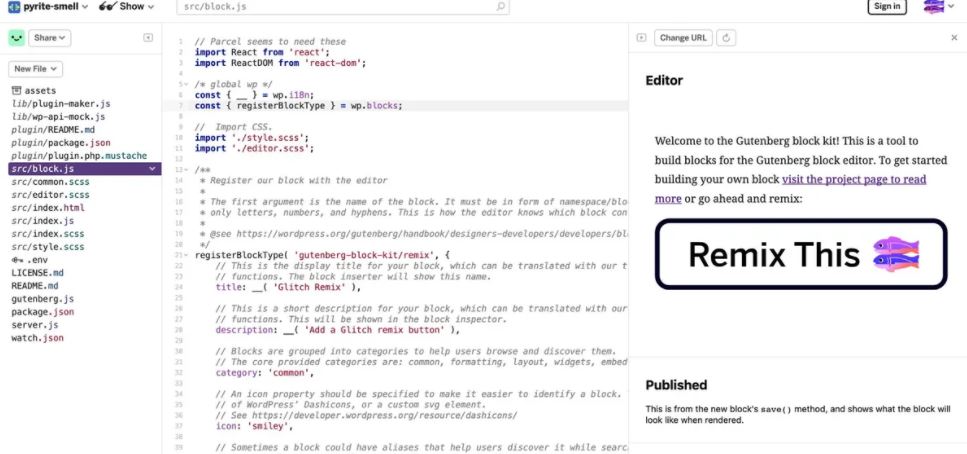
Glitch is a software development business that specializes in project management tools and other related services. Its offerings include project management and content management software, as well as code review software. Glitch prides itself on being a welcoming and easily accessible community; over a million users have used the site to create web apps since it first launched. The Glitch site is self-hosted enabling users to access and remix the site's source code if they so want.
Official Link
Plunker
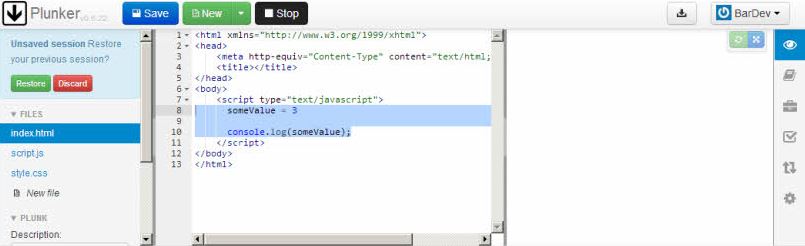
Plunker is an online community where the user can share web development ideas, collaborate on them, and create new ones. Plunker is a tool that allows constructing anything fast and without friction. Plunker recognizes the situation and provides the user with a file system tree.
Official Link
CodeBunk
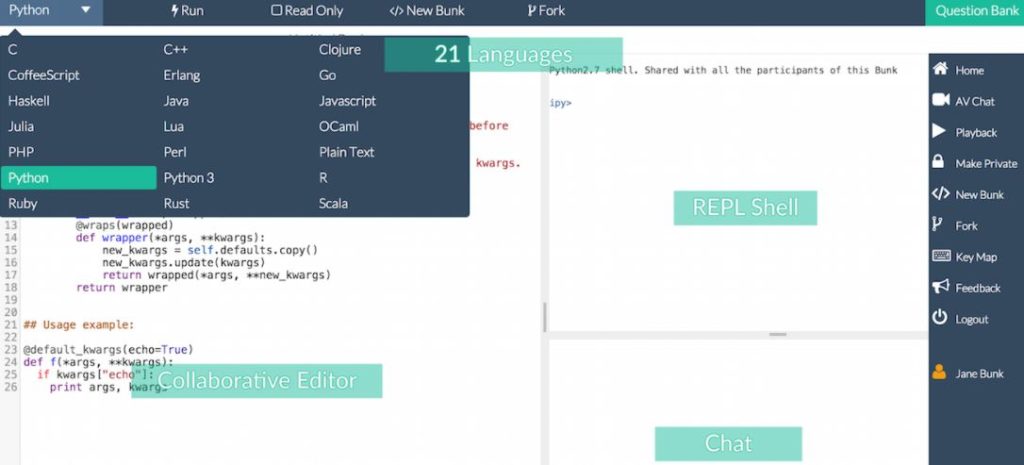
CodeBunk is a real-time collaborative editor that also includes Compile/Run functionality. CodeBunk also has a peer-to-peer video/audio chat feature as well as a text chat feature. CodeBunk is an excellent tool for conducting online interviews with developers as well as for learning to code from peers. The user has the option of recording the whole interview, including every keystroke, every code execution, and the resulting output. The user may rewind and rewind the session as many times as they wish.
Official Link
Koding
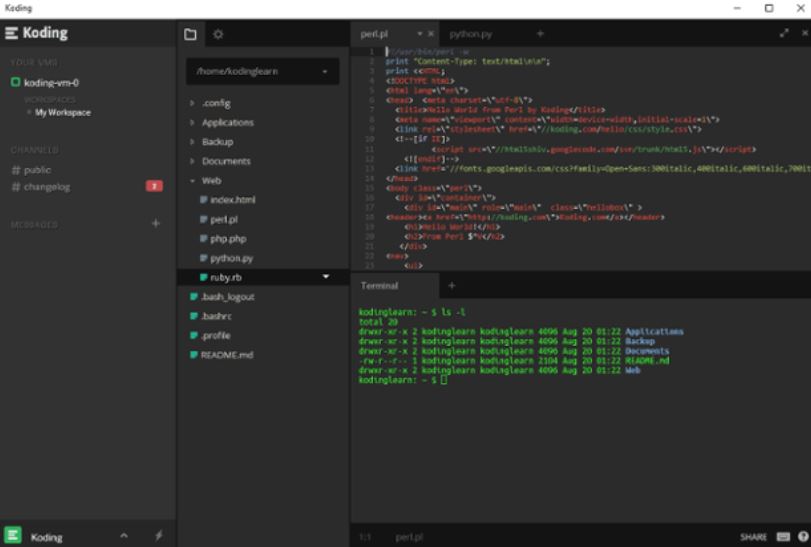
It allows the business to build and share completely automated development environments for contemporary distributed apps, microservices, and containers running on any infrastructure, using Koding. Development processes in the cloud may be streamlined using Koding, which offers an interface for developers and team managers without compromising flexibility and creativity.
Official Link